Type an idea.
Get a finished cartoon video.
ToonWeave Studio is a cartoon video maker for your Windows PC. It plans, draws, voices and edits the whole video: characters, camera moves, music and word-by-word captions, in 20 drawing styles. No drawing. No editing.
7 days free, no card needed. For Windows 10 and 11.
- Explainer
- Story
- Documentary
- Every level of…
- TikTok ladder
- Converted video
Every clip here was made with ToonWeave Studio.
Six kinds of video from one app
Pick the kind before you write. The script, pacing and ending are planned differently for each one.
More about animated explainers, faceless YouTube videos, cartoon stories, animated Shorts and TikToks and converting a video to a cartoon.
How it works
Write your idea
Type a topic or a question. Pick the kind of video, the frame (wide for YouTube, vertical for Shorts and TikTok, or square) and one of 20 looks.
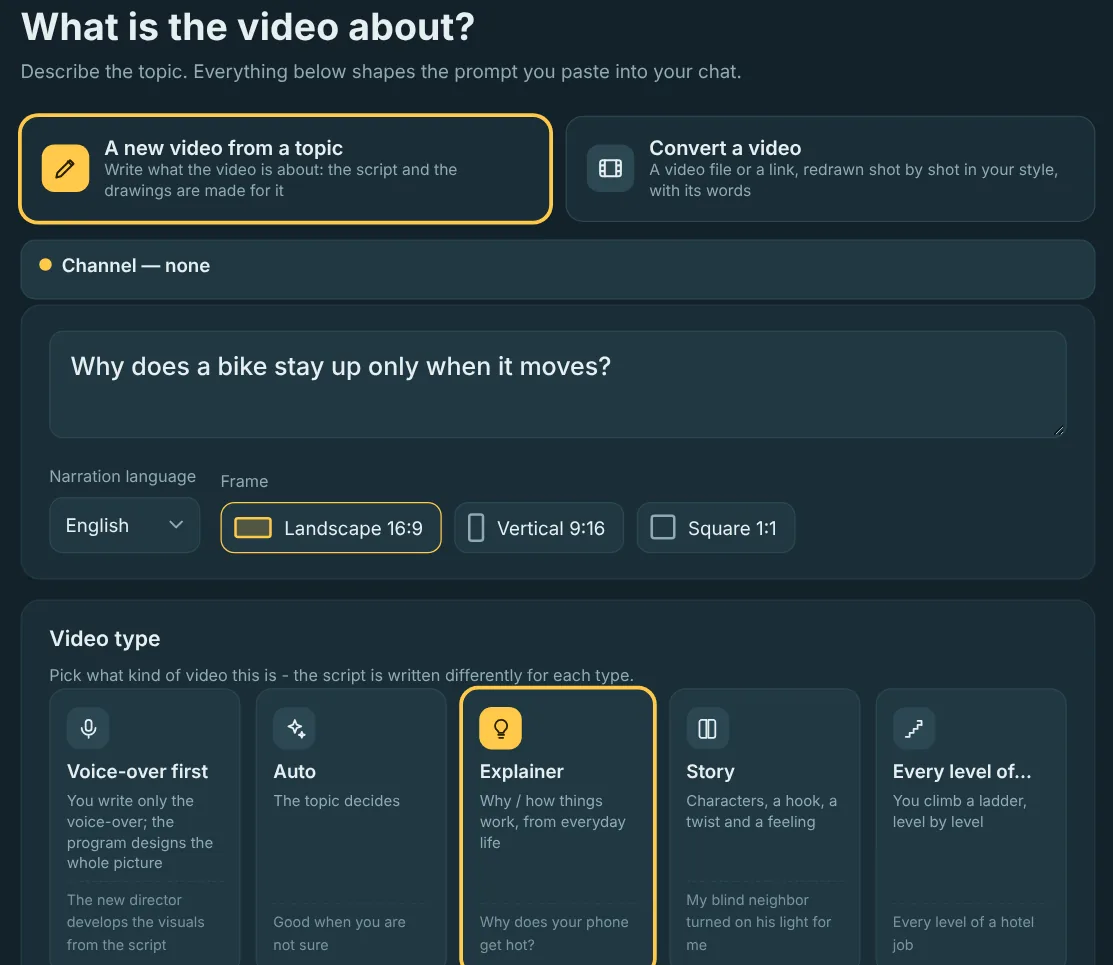
Let your AI chat write it
The app builds a detailed prompt for you. Paste it into the AI chat you already use, like Claude, ChatGPT or Gemini, then paste the reply back. No API key needed.
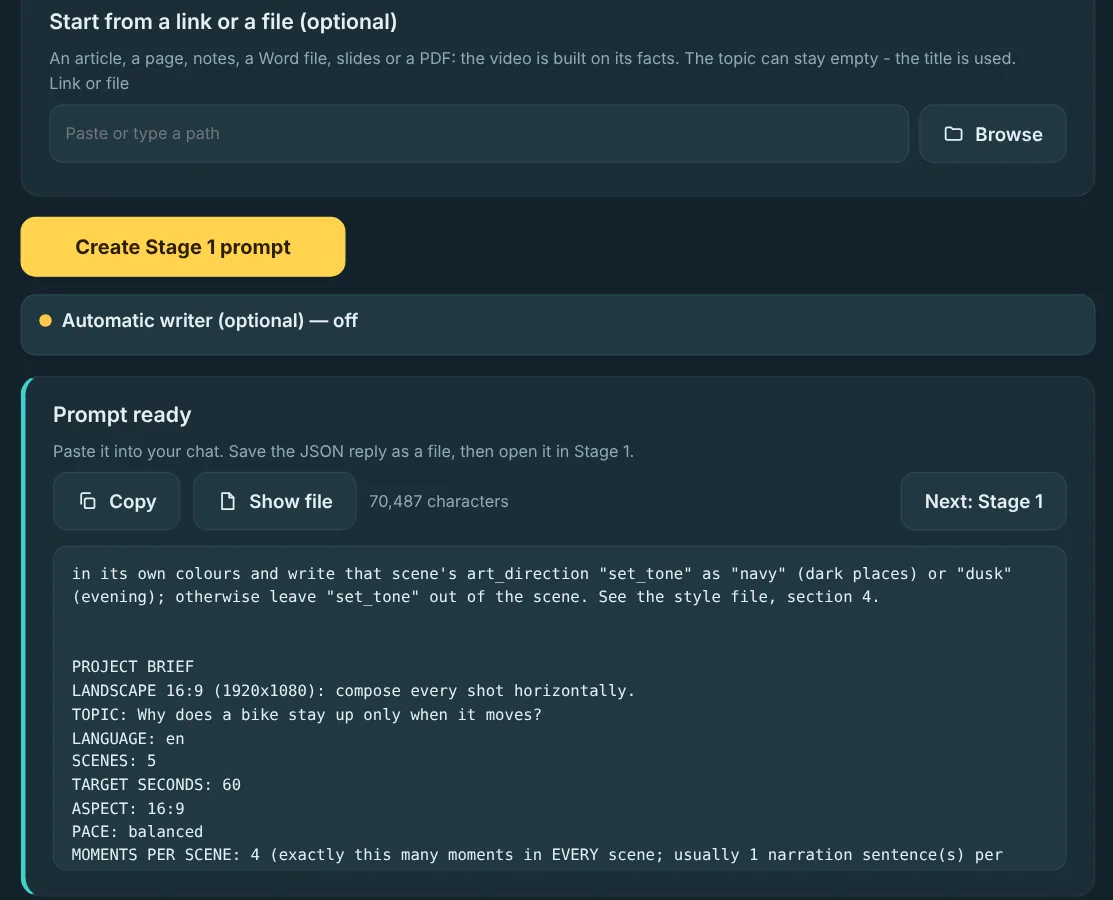
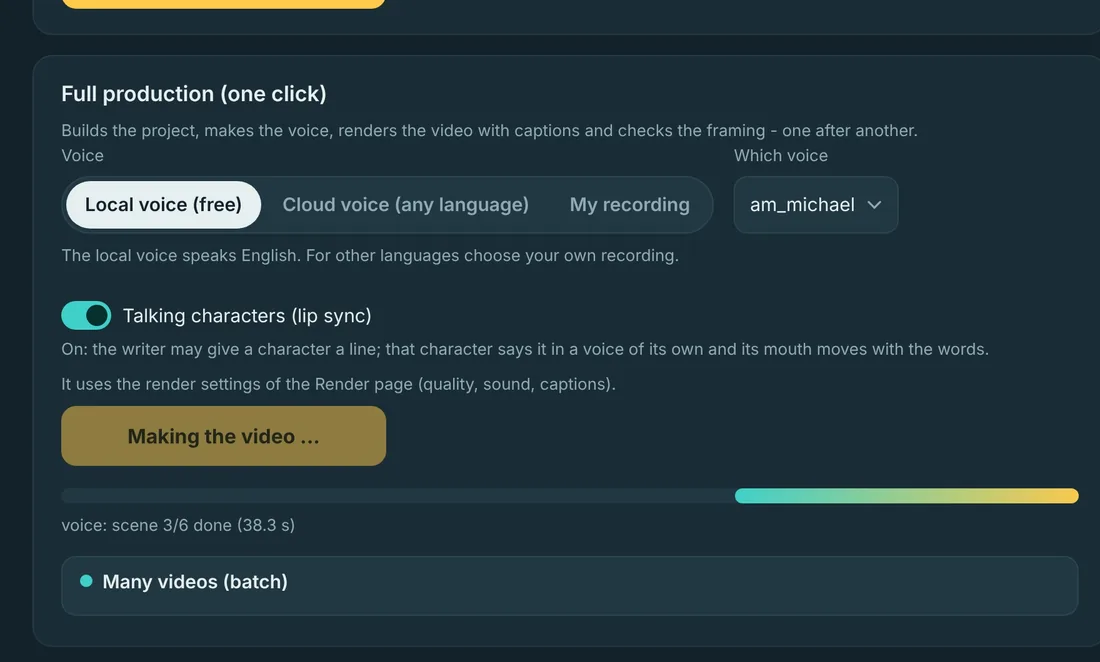
Press one button
ToonWeave builds the scenes, records the voice, adds music, sound effects and captions, checks the framing and renders the MP4 on your computer.
Or start from a video you own
Paste a link or choose a file. ToonWeave redraws it shot by shot in your look, on its own words and timing. No AI video generator: every frame is drawn on your PC.
- It reads the videoEvery shot and where it starts, the places that come back, the people in each shot and how close the camera is.
- It hears every wordThe speech is written down word by word with its time, so the new drawings change when the words do.
- It redraws every shotYour look, your frame (wide, vertical or square), original characters in place of logos and known faces, and the video's own sound or a new voice.
Make it look and sound like your channel
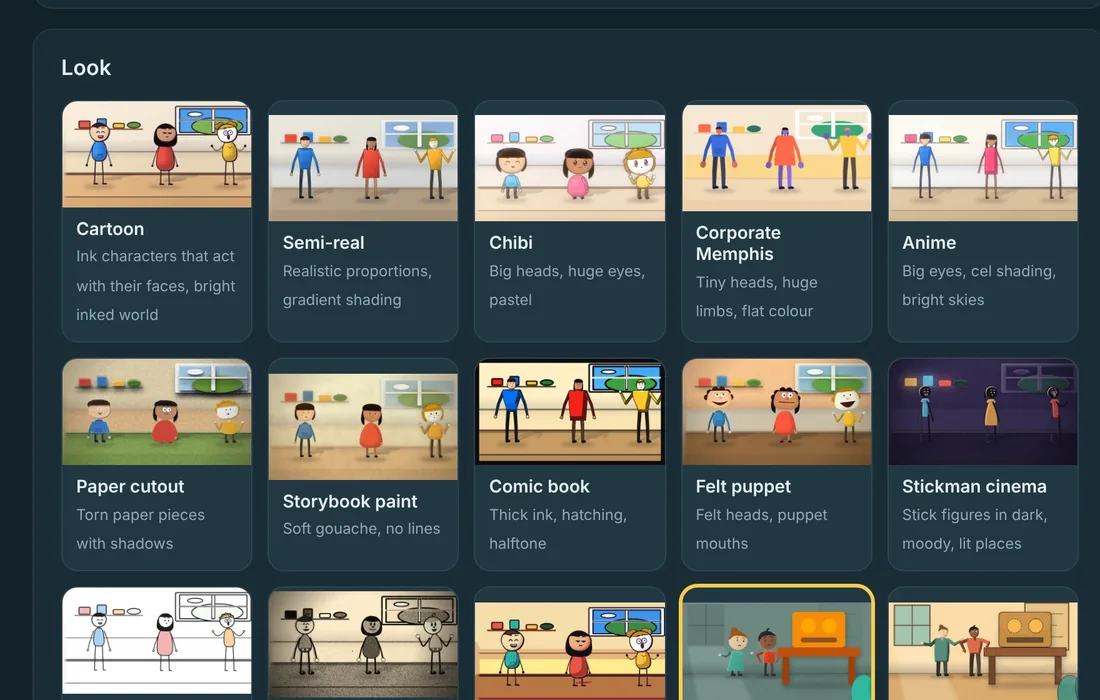
- 20 looksCartoon, paper cut-out, storybook paint, comic book, felt puppet, whiteboard doodle, 1930s rubber hose, pixel art and more. Save your own look and reuse it.
- Your voice, or oursA free English voice runs on your PC. Use a cloud voice for other languages, or record yourself. Captions follow every word.
- Talking charactersCharacters can say their own lines, with their own voice and a moving mouth.
- Any languageWrite the video in any language, or translate a finished one: narration, words on screen and the ending.
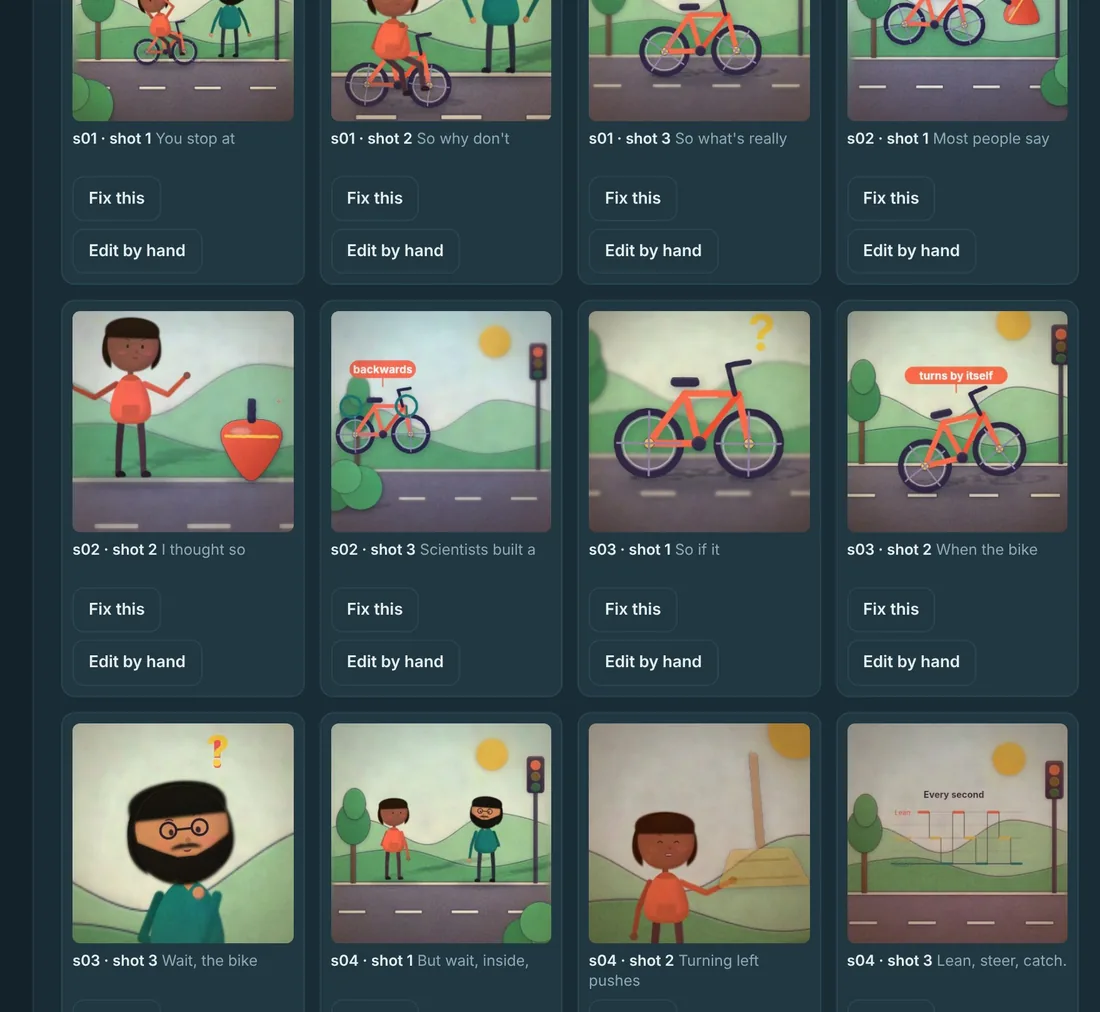
- Fix any shotSee every shot on one board. Describe a change in plain words, or drag, resize and recolor things by hand. Only the shots you changed are drawn again.
- Many videos at oncePut a folder of scripts in and let it make them one after another.
- Ready to publishTitles, description, chapters and thumbnails taken from the video, Shorts cut-downs, and an export for Premiere, DaVinci Resolve and Final Cut.
- On your computerVideos render on your PC and stay in your folders. Nothing you make is uploaded.
Pricing
Every plan has every feature and every update. One key works on 2 computers.
Payments are arranged by email for now. Send the form below and we'll reply with the payment options and your key.
Try it free for 7 days
Tell us where to send your key. We answer every request by email.
Questions
Do I need to know how to draw or edit?
No. You type the idea and choose a look. The app draws every scene, moves the camera, adds the voice, music and captions, and cuts the video.
Which AI do I need?
Any AI chat you already use, like Claude, ChatGPT or Gemini. You copy one prompt in and paste one reply back. The app never needs an API key, though you can connect one if you prefer.
Is the voice free?
Yes. A natural English voice runs on your computer with no cost per video. For other languages, use a cloud voice or record your own narration.
Can I post the videos on YouTube and TikTok?
Yes. The videos you make are yours to publish. When you convert a video, use only videos you own or are allowed to reuse.
What computer do I need?
A Windows 10 or 11 PC (64-bit) with 8 GB of memory. A graphics card makes drawing faster but isn't required.
How does the free trial work?
Send the form and we'll email you a 7-day key. When the trial ends, choose a plan and keep working on the same projects.
What happens when my plan ends?
The app stops making new videos until you renew. The videos you already made stay yours, and your projects stay on your computer.
Can I move my key to a new computer?
Yes. In the app, remove the old computer from your key, then activate on the new one. If the old computer is gone, send us a message and we'll free it.
Can I convert a YouTube video?
Yes, if it is yours or you are allowed to reuse it. Paste the link or choose the downloaded file. The words and their timing are kept; every shot is redrawn in your look with original characters.
Is there a Mac version?
Not yet. ToonWeave Studio runs on Windows.